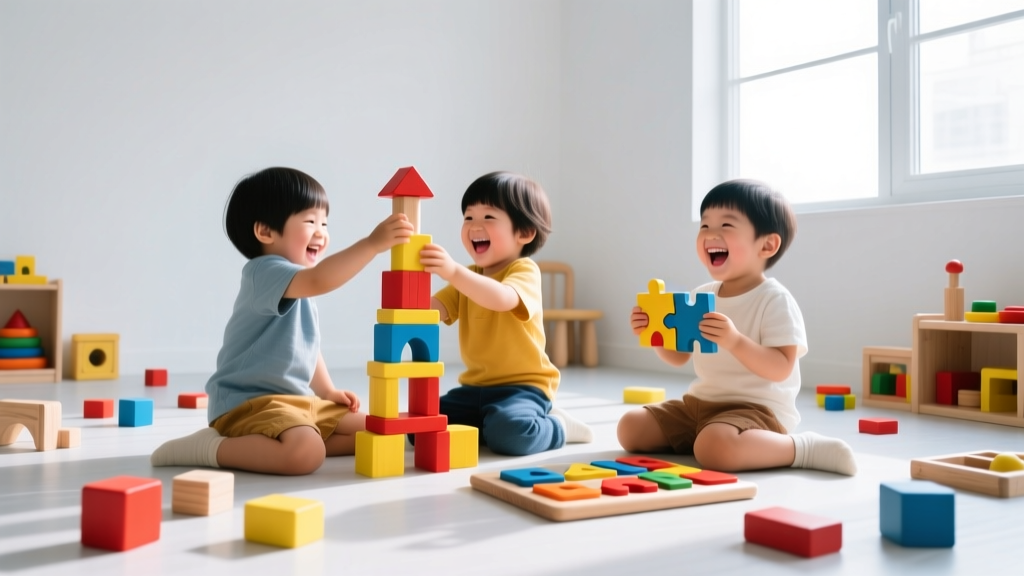
Unplugged Coding Games for Kids: 10 Screen-Free Activities
You don't need a computer to learn coding. Unplugged activities teach the same computational thinking skills — sequencing, loops, conditionals, debugging — through physical play. These 10 games work at home, in classrooms, or on road trips.
Why Unplugged Coding Works
Computer Science Teachers Association (CSTA) research shows that unplugged coding activities build stronger foundational understanding than screen-based learning for children under 8. The physical nature of the activities creates memorable anchors for abstract concepts.
Core computational thinking skills:
- Decomposition: Breaking problems into smaller parts
- Pattern recognition: Finding similarities and differences
- Abstraction: Focusing on important details, ignoring irrelevant ones
- Algorithm design: Creating step-by-step solutions
- Debugging: Finding and fixing errors in a sequence
10 Screen-Free Coding Games
1. Human Robot (Ages 4-8)
One person is the "robot" — they can only follow exact instructions. Another person "programs" them with step-by-step commands: "step forward 2," "turn left," "pick up cup." The robot follows literally — if instructions are wrong, the robot fails. Teaches precision and sequencing.
2. Code a Dance (Ages 5-10)
Create dance move cards: spin, clap, stomp, jump, wave. Arrange 4-8 cards in a sequence. Everyone performs the "program." Add loops (repeat 3x) and conditionals (if music is fast, stomp; if slow, sway).
3. Grid Maze on the Floor (Ages 4-8)
Use painter's tape to create a 5×5 grid on the floor. Place a toy at one end, obstacles in the middle. Children write arrow instructions (↑↓←→) to navigate from start to finish. Advanced: add loops (repeat ↑ 3 times).
Game Planning by Age
| Age | Best Games | Skills Targeted |
|---|---|---|
| 4-6 | Human Robot, Grid Maze | Sequencing, direction |
| 7-9 | Code a Dance, Card Sorting | Loops, conditionals |
| 10-12 | Binary Bracelets, Encryption | Binary, data representation |
More Articles
 Best Science Kits for Home Learning
 How Insulators Work for Kids: 5 Fun STEM Experiments
 What Is Mechanical Energy for Kids? (2026)
 STEM Learning Essentials for Educators
 Teach Kids to Build Digital Products (2026)
 Best STEM Toys for Babies & Toddlers (6–36 Months)
 What Is DNA for Kids: Simple, Science-Backed Guide
 How to Build a Boom! STEM Activities for Kids
 How to Explain Ice to Kids: 5 Science-Backed Strategies
 What Is Soil for Kids? A Living Ecosystem (2026)