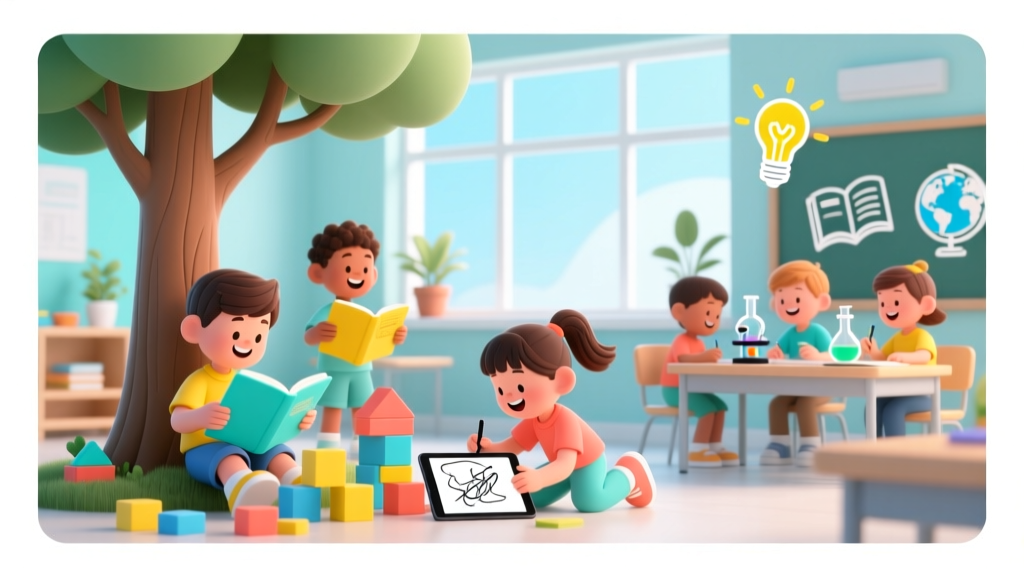
Teach Kids to Build Digital Products (2026)
Why Teaching Kids to Build Digital Products Isn’t Just ‘Coding Camp’—It’s Foundational Literacy
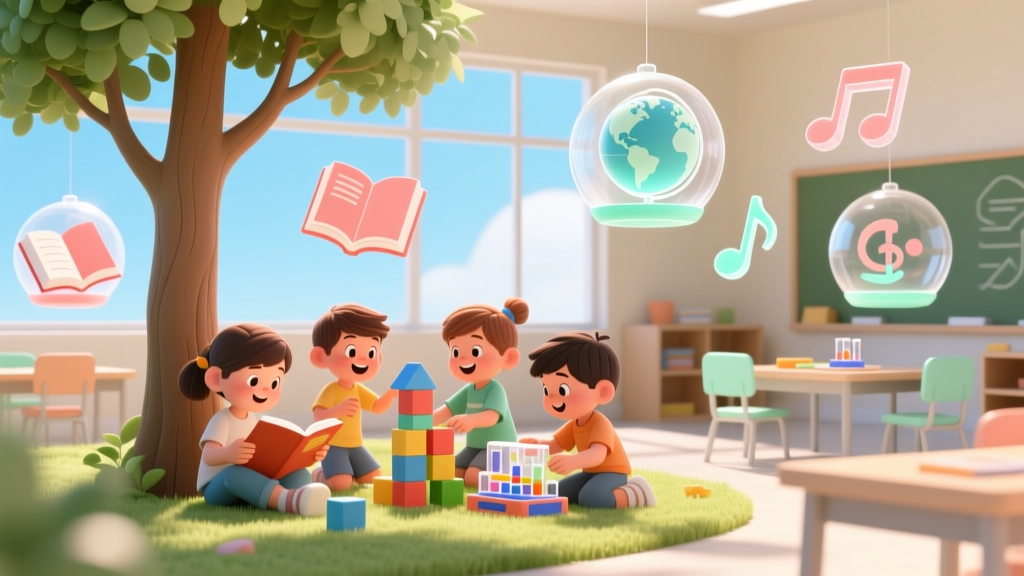
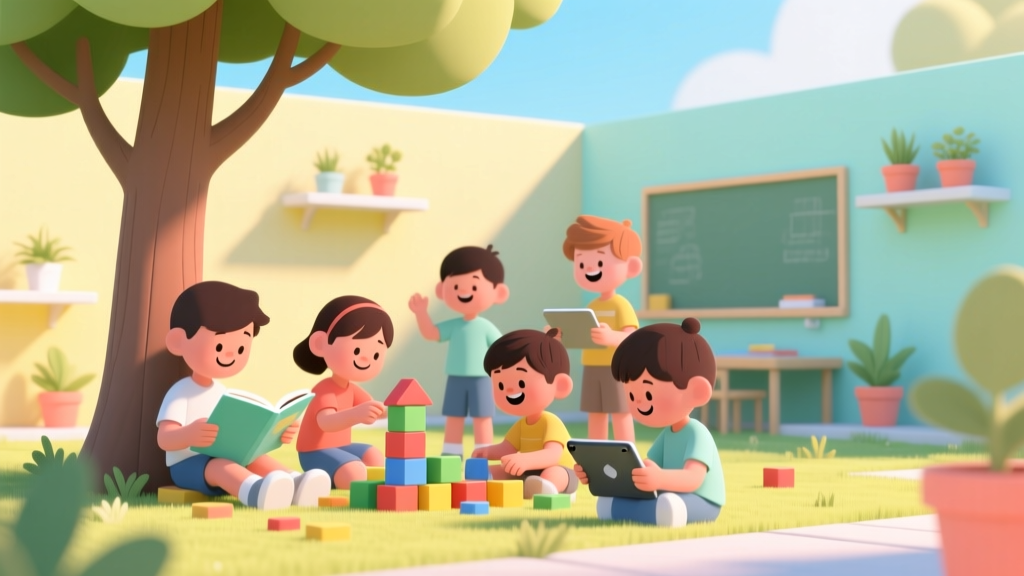
If you’ve ever searched how to teach kids to build digital products, you’re not just looking for a fun after-school activity—you’re investing in a new kind of fluency. In 2024, digital product literacy—understanding how software, interfaces, and hardware work *together* to solve real problems—is as essential as reading comprehension or numeracy. Yet most ‘kids coding’ resources stop at making sprites move across a screen. True digital product building means guiding children through ideation, user-centered design, iterative testing, and ethical reflection—not just syntax. And the good news? You don’t need a computer science degree, a $300 robotics kit, or hours of screen time. What you *do* need is developmentally grounded scaffolding, low-stakes tools, and strategies that honor how children learn best: through storytelling, physical manipulation, social collaboration, and joyful failure.
Start With ‘Why Before What’: Framing Digital Creation as Empathy-Driven Problem Solving
Before opening a browser or unplugging a microcontroller, pause and ask your child: What’s something that frustrates you—or someone you care about—in daily life? A sibling who forgets homework? A grandparent who struggles with video calls? A pet who gets anxious during storms? This question anchors digital creation in human-centered design—a practice taught in top engineering schools and endorsed by the National Science Foundation’s STEM Learning Framework. When kids begin with empathy, they shift from passive consumers to purpose-driven creators.
Try this 10-minute ritual weekly: Use sticky notes to co-create a ‘Problem Wall.’ Write one frustration per note (e.g., “My backpack is always too heavy”). Then, sort them into categories: Things We Can Change vs. Things We Can’t (Yet). Focus only on the first pile. This builds critical thinking *before* touching code—and aligns with American Academy of Pediatrics (AAP) guidance that screen-based learning must be preceded by concrete, socially meaningful context to sustain attention and transfer learning.
Real-world example: At PS 189 in Brooklyn, third graders identified ‘lunchroom noise’ as a stressor. Instead of jumping to an app, they used paper prototypes to sketch sound-dampening solutions, then built a simple Arduino-powered LED ‘noise meter’ that lit up green/yellow/red based on decibel levels. The final product wasn’t ‘shippable’—but it sparked district-wide cafeteria redesign conversations. Their teacher reported a 42% increase in student-led inquiry questions across subjects that semester.
Match Tools to Developmental Stage—Not Age Alone
One-size-fits-all coding platforms fail because they ignore neurodevelopmental readiness. A 6-year-old’s working memory holds ~3 items; a 12-year-old’s holds ~5–7. A tool requiring 8-step sequences before feedback will trigger frustration—not flow. Below is an evidence-based progression aligned with Piagetian stages and CSTA (Computer Science Teachers Association) K–12 standards:
| Age Range | Cognitive & Motor Milestones | Recommended Tools & Activities | Key Scaffolding Strategy | Sample Outcome |
|---|---|---|---|---|
| 5–7 years | Learns via concrete manipulation; limited abstract reasoning; fine motor skills developing | ScratchJr (tablet), LEGO Education SPIKE Essential (physical+digital), Makey Makey + everyday objects (bananas as keys) | ‘Unplugged’ storyboarding first: Draw 3-panel comic strips showing cause-effect (e.g., “Press button → light turns on → dog stops barking”) | Animated greeting card telling a family story using sound, motion, and simple triggers |
| 8–10 years | Begins logical reasoning; understands variables conceptually; can follow multi-step instructions | Scratch (desktop), micro:bit with Python blocks, Tinkercad Circuits (simulated electronics) | ‘Design Sprint Lite’: 20-minute cycles of Build → Show → Tweak (with peer feedback using emoji cards: 😊 = clear, 🤔 = confusing, 💡 = cool idea!) | Interactive quiz game teaching fire safety rules, with branching paths and score tracking |
| 11–13 years | Abstract thinking emerges; evaluates ethics of tech; seeks autonomy and identity expression | Glitch.com (web apps), Thunkable (no-code mobile apps), Raspberry Pi Pico (Python/CircuitPython) | ‘Stakeholder Interview’: Record 2-min interviews with a real user (e.g., librarian, coach) about their workflow pain points before designing | A school lunch menu web app with dietary filters (vegan, nut-free) and printable PDF export |
| 14+ years | Systems thinking; critiques bias in algorithms; understands data privacy implications | Replit (full-stack), Figma + GitHub Pages, Firebase for backend | ‘Ethics Annotation’: Require students to document 1 ethical consideration per feature (e.g., “Location access only during active use—off by default”) | An open-source mental wellness journal app with local-first storage and no analytics trackers |
Note: All tools listed are COPPA-compliant, ad-free, and require no personal data collection. According to Common Sense Media’s 2023 EdTech Privacy Report, 78% of popular ‘kids coding’ apps collect behavioral data—so vetting isn’t optional. Always check the privacy policy for phrases like ‘data is never sold or shared’ and ‘child accounts are isolated from public profiles.’
Build Real-World Muscle: From Prototype to Presentation (Without Perfectionism)
Kids abandon projects when ‘finished’ feels impossibly distant. The antidote? Ritualize ‘shareable milestones’—small, tangible outputs every 2–3 sessions that demonstrate progress *and* invite authentic feedback.
- Session 1–2: A hand-drawn ‘user journey map’ showing where frustration occurs (e.g., “Mom searches for lost permission slip → opens 3 apps → gives up”).
- Session 3–4: A clickable Figma prototype (even if static) demonstrating *one* key interaction (e.g., tapping ‘Find My Slip’ highlights folder icon).
- Session 5–6: A 60-second Loom video demo narrated by the child: “Here’s what it does, why it matters, and one thing I’d change next.”
This mirrors industry practice: Google Design Sprints compress months of work into 5-day cycles focused on validated learning—not polished deliverables. It also reduces anxiety by decoupling ‘creation’ from ‘perfection,’ which aligns with research from the Child Mind Institute showing that process-focused praise (“I love how you tested three button colors!”) boosts resilience more than outcome praise (“This looks amazing!”).
Case study: In Austin ISD’s pilot program, middle schoolers built a ‘Lost & Found Tracker’ for their campus using QR codes and a shared Google Sheet backend. They presented Version 1 (a laminated poster with QR codes linking to a form) to the principal after Week 2. His feedback—“Can we add grade level filtering?”—became their Week 3 goal. By emphasizing iteration over polish, 94% completed at least one functional prototype, versus 52% in a traditional ‘build-the-app’ cohort.
The Hidden Curriculum: What Kids *Actually* Learn (Beyond Code)
When adults focus solely on technical output, they miss the profound cross-domain competencies digital product building cultivates. Dr. Marina Umaschi Bers, developmental psychologist and creator of the ScratchJr curriculum, calls this ‘positive technological development’—where tech becomes a vehicle for cultivating character strengths.
Consider what’s embedded in even a simple ‘homework reminder’ app:
- Cognitive: Decomposing big tasks (‘remember all assignments’) into smaller functions (‘check calendar,’ ‘send notification,’ ‘log completion’)
- Social-Emotional: Negotiating roles in pair programming (“You test the alarm sound; I’ll fix the snooze button”), handling user feedback without defensiveness
- Ethical: Deciding whether the app should notify parents automatically—or only after child approval (introducing consent models early)
- Metacognitive: Keeping a ‘debugging log’ noting what failed, why, and what they tried next—building self-regulation and growth mindset
A 2022 MIT study tracking 120 students over two years found those engaged in sustained digital product creation showed significantly higher gains in executive function (planning, working memory, cognitive flexibility) than peers in traditional computer lab classes—even when controlling for baseline IQ and socioeconomic status.
Frequently Asked Questions
Can my child really build something useful before age 10?
Absolutely—and usefulness isn’t defined by market viability. A 7-year-old’s ‘pet mood tracker’ (using colored buttons for ‘happy,’ ‘tired,’ ‘grumpy’) helped her family adjust feeding times for their anxious rescue dog. Its value was relational, not commercial. Research from the University of Washington’s Human Centered Design & Engineering program shows that children as young as 5 can reliably identify usability issues in peer-designed interfaces—proving their capacity for meaningful contribution long before adolescence.
How much screen time is appropriate for digital product building?
The AAP doesn’t set rigid minutes—but emphasizes context, content, and connection. Building a digital product alongside a parent or mentor, discussing design choices aloud, and alternating with physical prototyping (e.g., sketching wireframes on paper, building circuit layouts with Play-Doh) transforms screen time into ‘co-engaged creation.’ Aim for ≤30 mins of focused digital work per session, followed by 15 mins of reflection or analog extension (e.g., drawing the app icon, writing user testimonials). This rhythm honors brain development and prevents visual fatigue.
Do I need to know how to code to support my child?
No—your role is curator, questioner, and connector. Ask open-ended questions: ‘What problem does this solve?’ ‘Who else might need this?’ ‘What’s the simplest version that still helps?’ Celebrate debugging as discovery, not failure. Resources like Code.org’s ‘Hour of Code’ facilitator guides or CS First’s ‘unplugged’ lesson plans give non-technical adults scripts and prompts. Remember: You don’t need to understand Python to recognize persistence, curiosity, and creative risk-taking.
Are there free, high-quality tools that don’t require downloads or subscriptions?
Yes—and they’re often pedagogically superior. Scratch (scratch.mit.edu), Glitch (glitch.com), and Tinkercad (tinkercad.com) run entirely in-browser with no installation. All offer classroom-friendly accounts (no email required for kids under 13), zero ads, and robust educator dashboards. Bonus: Glitch’s ‘remix’ feature lets kids study and adapt real-world open-source projects—teaching code literacy through reverse engineering, not rote memorization.
How do I handle frustration when things ‘don’t work’?
Normalize struggle as data—not deficiency. When code fails, say: ‘That error message is actually your teammate telling you exactly what it needs. Let’s read it together.’ Print out common error messages (‘SyntaxError: unexpected token’) with kid-friendly translations (‘You forgot a closing }—like forgetting to zip your jacket!’). Keep a ‘Bug Bounty Board’ where kids earn stickers for each bug they diagnose and fix. This reframes debugging as detective work, not punishment—and aligns with Carol Dweck’s growth mindset research showing that labeling effort (not intelligence) as praiseworthy increases perseverance.
Common Myths
Myth 1: “Kids need to master typing and syntax before building anything meaningful.”
False. Physical computing (Makey Makey, micro:bit) and visual programming (Scratch, Blockly) let pre-readers and emerging typists express computational ideas through gesture, voice, and drag-and-drop. Stanford’s d.school research confirms that tactile prototyping accelerates conceptual understanding far more than keyboard-first approaches.
Myth 2: “Digital product building is only for ‘gifted’ or ‘tech-inclined’ kids.”
Equally false. The most impactful projects emerge from diverse perspectives: a dyslexic student excelling at visual interface design, an autistic teen deeply focused on accessibility features, a bilingual child creating translation tools for immigrant families. Inclusive design isn’t an add-on—it’s the entry point.
Related Topics (Internal Link Suggestions)
- Best No-Code Tools for Kids — suggested anchor text: "kid-friendly no-code platforms that require zero typing"
- Digital Product Safety for Children — suggested anchor text: "COPPA-compliant tools and privacy safeguards for young creators"
- STEM Activities That Build Real-World Skills — suggested anchor text: "hands-on STEM projects with measurable impact beyond the classroom"
- How to Talk to Kids About Tech Ethics — suggested anchor text: "age-appropriate conversations about data, bias, and digital responsibility"
- Screen Time Balance Strategies for Creative Kids — suggested anchor text: "blending digital creation with tactile, outdoor, and social play"
Ready to Launch Your Child’s First Digital Product—Today
You now hold everything needed to transform ‘how to teach kids to build digital products’ from an intimidating aspiration into a joyful, scaffolded reality. Start small: grab paper, markers, and a smartphone timer. Spend 15 minutes this week co-identifying *one* tiny problem in your home or community—and sketching a solution that uses light, sound, or interactivity. That’s not ‘just play.’ It’s the first line of code in a lifelong story of agency, empathy, and innovation. Your next step? Pick *one* tool from the age-guide table above, bookmark it, and try its ‘first project’ tutorial *with* your child—not for them. Watch what happens when you shift from instructor to co-learner. The product may be simple—but the confidence, curiosity, and creative courage it builds? That’s the real launch.
More Articles
 Beginner Robotics Kits for Kids Ages 6-14
 Build a DIY Weather Station With Kids
 Kitchen Science: 6 Easy Experiments for Kids
 Montessori vs Choice: Evidence-Based Insights for Families
 Best STEM Learning Shows for Kids (2026)
 Best Coding Games for Kids Under 10
 Is Scratch Safe for Kids? Evidence-Based Safety Guide
 How to Make a Game for Kids (2026)
 How Solar Panels Work for Kids (2026)
 Screen Time vs. Hands-On STEM Learning Outcomes