Teaching Coding Concepts Without Screens for Kids
Screen-Free Coding: Why It Works
Computational thinking — breaking problems into steps, recognizing patterns, and creating algorithms — doesn't require a computer. Unplugged coding activities build the same logical skills while developing communication, teamwork, and physical coordination.
Unplugged Coding Activities
1. Robot Programmer
One child is the "robot," another is the "programmer." The programmer gives exact step-by-step instructions (forward 2 steps, turn left, pick up cup) to guide the robot through a task. This teaches that computers need precise, sequential instructions.
2. Algorithm Recipes
Follow a recipe together, emphasizing that a recipe IS an algorithm — a set of ordered steps to achieve a result. Ask: "What happens if we skip step 3? What if we swap steps 2 and 4?" This teaches sequencing and debugging.
3. Grid Maze
Draw a grid on paper or with sidewalk chalk. Place a toy at the start and a treasure at the end. Kids write arrow instructions (→, ↑, ←, ↓) to navigate the maze. Count steps to teach efficiency.
4. If/Then Dance Party
Call out conditional statements: "IF I clap my hands, THEN you jump. IF I stomp, THEN you spin." Add ELSE conditions for older kids. This teaches conditional logic in a physical, memorable way.
5. Sorting Race
Give kids a mixed pile of items (buttons, blocks, toys) and challenge them to sort by different attributes (color, size, type). Discuss: "What was your strategy? Is there a faster way?" This teaches sorting algorithms.
6. Debug the Story
Tell a story with deliberate errors ("The bear flew to the moon and ate breakfast"). Kids identify and fix the "bugs." This teaches debugging — finding and correcting errors in a sequence.
Skills Developed
- Sequencing: Putting steps in correct order
- Decomposition: Breaking big tasks into small steps
- Pattern recognition: Finding similarities and differences
- Debugging: Finding and fixing errors
More Articles
 STEM Activities Framework: Match to Learning Goals
 Math Board Games for Kids: 12 Fun Family Favorites
 How to Teach Fractions Using Cooking and Baking (2026)
 What Do Kids Need to Fly? STEM Learning Guide
Plant Growth Experiment: A Kid's Science Diary
Fun Measurement Activities for Kids at Home 2026
What Do Kids Need to Fly? STEM Learning Guide
Plant Growth Experiment: A Kid's Science Diary
Fun Measurement Activities for Kids at Home 2026
 Map Literacy for Kids: Build Spatial Skills (2026)
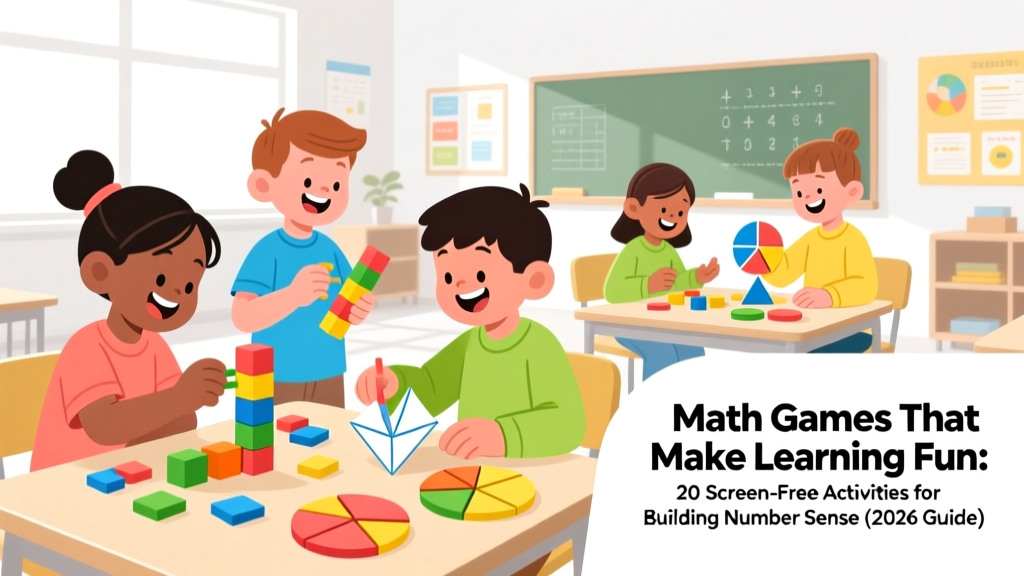 Math Games That Make Learning Fun: 20 Screen-Free Activities
 Stem Learning Buying Guide: Simple, Stress-Free Tips
 What Is Mechanical Energy for Kids? (2026)