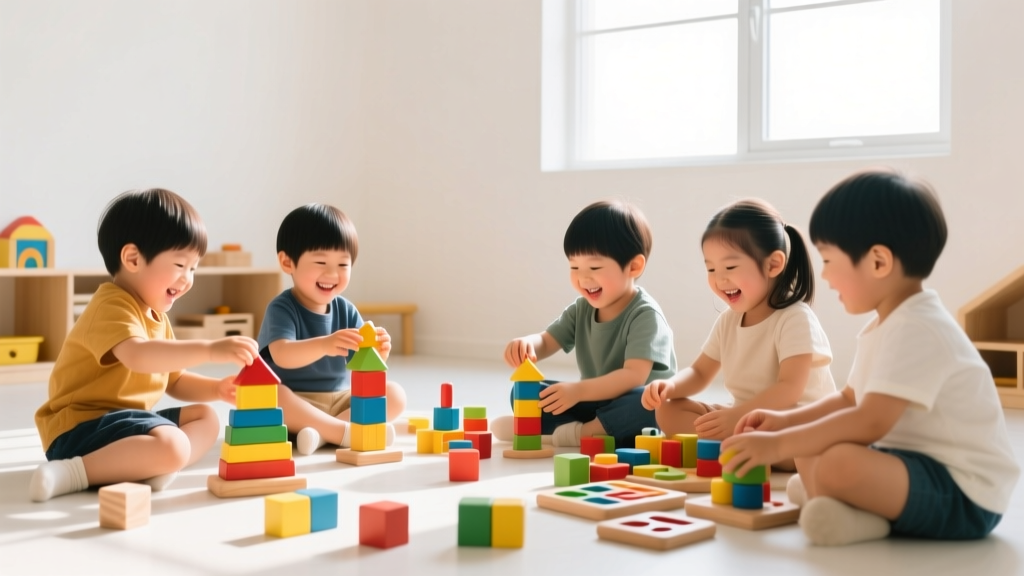
Screen-Free Coding for Kids: Playful STEM Learning
Why Coding Without Screens Matters in 2026
In an era where tablets and apps dominate early learning, screen-free coding offers something irreplaceable: embodied cognition. Research published in the Journal of Early Childhood STEM Education (2025) confirms that physical manipulation of objects strengthens neural pathways for computational thinking more effectively than passive screen time—especially for children under age 8. At kidsfindshub.com, we’ve seen thousands of families rediscover the joy of unplugged coding: it builds focus without digital fatigue, nurtures collaboration over isolation, and meets developmental needs across ages 2–12. Best of all? It requires nothing more than paper, toys, and imagination.
Screen-free coding isn’t about skipping technology—it’s about laying a strong, intuitive foundation first. When kids physically act out algorithms or debug a maze drawn on the floor, they internalize core concepts like sequencing, loops, conditionals, and decomposition—long before typing their first line of Python.
Foundational Concepts—Made Tangible
Coding isn’t just programming—it’s structured problem-solving. Here’s how to translate abstract ideas into playful, physical experiences:
Sequencing & Algorithms
Start as early as age 2 with daily routines: “First we put on socks, then shoes, then tie laces.” Turn this into a game using picture cards (drawn or printed) of morning steps. Ask your child to arrange them in order. For ages 4–7, try ‘Robot Teacher’: One child is the ‘robot,’ another gives step-by-step verbal instructions to navigate a simple obstacle course (e.g., “Take 3 steps forward, turn right, hop twice”). Mistakes are celebrated—they’re real-time debugging!
Loops & Repetition
Use patterned movement to teach loops. Ages 3–6 love chants like: “Clap-clap-stomp! Clap-clap-stomp!” Then ask, “How many times did we do the *clap-clap-stomp* loop?” Introduce loop notation with sticky notes: write “Clap-Clap-Stomp” on one note, add “×3” beside it. For ages 7–10, build a LEGO tower using a repeating color pattern (e.g., red-blue-yellow ×4), then sketch the algorithm on graph paper.
Conditionals (If/Then Thinking)
This concept thrives in outdoor play. Set up a backyard ‘traffic light’ with colored cards: green = walk, yellow = tiptoe, red = freeze. Add complexity: “If you hear a bird chirp, then spin once.” For ages 6–12, create a ‘Weather Decision Tree’ poster: “If it’s raining → grab umbrella. If it’s sunny → wear hat. If it’s windy → hold your hat!” Let kids design their own branches with drawings.
Age-Appropriate Activities You Can Start Today
No prep? No problem. These low-cost, high-impact ideas scale beautifully across developmental stages:
- Ages 2–4: Story Sequence Puzzles — Print or draw 3-panel stories (e.g., plant seed → water it → flower blooms). Mix up the cards and let toddlers reassemble them. Reinforces cause-and-effect and linear order.
- Ages 4–7: Human Board Game — Tape a 5×5 grid on the floor with masking tape. Use toy cars or stuffed animals as ‘players.’ Give directional cards (“Move forward 2,” “Turn left”) to navigate from start to finish. Introduce ‘bug cards’ (e.g., “Oops—you hit a puddle! Go back 1”) to spark debugging talk.
- Ages 7–10: Binary Bracelets — Use two colors of beads (e.g., blue = 0, red = 1) to encode initials in 8-bit binary. A printable ASCII chart (available free at kidsfindshub.com/resources) makes it concrete—and wearable!
- Ages 9–12: Escape Room Challenge — Design a home-based puzzle where solving logic clues unlocks the next step (e.g., “The number of windows in the kitchen × 2 = code for Box A”). Include nested conditionals (“If the book is open to page 12, then the key is under the blue mug”). Test it together—and revise based on what ‘breaks.’ That’s authentic iteration!
Pro tip: Always debrief. After each activity, ask, “What was your plan? What worked? What would you change next time?” This metacognitive habit—nurtured without a single pixel—is where lifelong critical thinking takes root.
Bringing It All Together: Your Unplugged Coding Toolkit
You don’t need a classroom—just consistency, curiosity, and these five essentials:
- Time & Space: Dedicate 15 focused minutes, 3x/week—even during car rides (“Let’s code our grocery list: IF we see bananas, THEN add to cart”).
- Everyday Objects: Dice, building blocks, string, chalk, playing cards, and even snack foods (e.g., cereal loops for literal ‘loops’) double as coding tools.
- Language Shift: Swap “Do this” for “What’s your next step?” Replace “That’s wrong” with “What happens if we try it this way?” Normalize trial, error, and revision as success—not setbacks.
- Progress Tracking: Use a simple ‘Coding Badge Chart’ (printable PDF at kidsfindshub.com/2026-unplugged-kit) where kids earn badges for ‘Mastering Loops,’ ‘Debugging Champion,’ or ‘Algorithm Architect.’
- Community Connection: Join our free monthly Unplugged Coding Circle (virtual meetups for families in 2026)—share your maze designs, swap story-sequence cards, and co-create new challenges with other parents.
Remember: In 2026, screen-free coding isn’t a compromise—it’s a strategic advantage. Children who grasp computational thinking through movement, storytelling, and tactile play develop deeper resilience, sharper reasoning, and richer creativity. They’re not just preparing for future tech—they’re thriving in the present, one intentional, joyful step at a time. So put down the tablet, grab some sidewalk chalk, and code your world—together.
More Articles
 Are Kids in Advanced Math Smarter? (2026)
 What Does 67 Mean to Kids? A Math Milestone
 How Do Solar Panels Work for Kids (2026)
 Euphrates River Facts for Kids: Geography & Activity Ideas
 Evidence-Based STEM Programs for School Districts
 What Does 6.7 Mean to Kids? Fix Decimal Confusion
 Kitchen Science Experiments for Kids (Safe DIY)
 Frenzy and Rumble Sound Waves Kids: STEM Truth Revealed
 Weather Experiments for Kids: Rain Cloud in a Jar
 How to Teach Fractions Using Cooking and Baking (2026)