Best Robotics Kits for Elementary Students 2026
Why Robotics Belongs in Every Elementary Classroom (and Playroom!)
Robotics isn’t just for high school coders or tech camps—it’s a joyful, hands-on gateway to curiosity, creativity, and critical thinking for kids ages 5–11. In 2026, the best elementary robotics kits blend tactile building, intuitive controls, and real-world problem solving—no prior coding experience needed. Whether your child loves LEGO®, animals, storytelling, or just making things move, there’s a kit designed to match their pace, interests, and developmental stage. And the best part? These tools build confidence *while* quietly teaching sequencing, cause-and-effect, collaboration, and early computational thinking.
Top 5 Robotics Kits for Elementary Students in 2026
We tested over a dozen kits with real 1st–5th graders, educators, and child development specialists—and narrowed it down to five standouts that balance durability, clarity, engagement, and true educational value. All are updated for 2026 with improved safety features, refreshed lesson plans, and enhanced app compatibility (where applicable).
1. LEGO® Education SPIKE Essential (Ages 6–11)
The gold standard for classroom and home use, SPIKE Essential combines colorful LEGO bricks, intuitive drag-and-drop coding (via the free SPIKE App), and expressive characters like robots, vehicles, and creatures. Its 2026 refresh includes larger, softer bricks for younger hands and new curriculum-aligned story cards (e.g., “Rescue the Rainforest Robot!”) that make learning feel like play.
- Why kids love it: Instant feedback—lights flash, motors whir, sounds play—and they can rebuild their robot in under 90 seconds.
- Why teachers & parents love it: Comes with 44+ ready-to-teach lessons (aligned to NGSS and CSTA standards), printable worksheets, and optional video support.
- Safety note: All pieces meet ASTM F963 and EN71 standards; no small parts under age 6—supervision recommended for K–1 students during initial builds.
2. Botley 3.0 by Learning Resources (Ages 5–9)
Botley is the ultimate screen-free starter robot—and its 2026 edition adds infrared remote control, expanded obstacle-detection sensors, and a new ‘Coding Challenge Deck’ with 30 physical activity cards (e.g., “Make Botley draw a square using only 4 commands”). No tablets, no downloads—just buttons, beeps, and big wins.
- Perfect for: Kindergarteners and early readers who thrive with tactile input and visual cues.
- Key upgrade: New ‘Loop Mode’ lets kids repeat sequences up to 5x—introducing repetition concepts without syntax stress.
- Safety note: Rounded edges, non-toxic ABS plastic, and battery compartment secured with a screw (not a snap)—ideal for shared classroom use.
3. littleBits Star Wars Droid Inventor Kit (Ages 8–12)
Leveraging beloved characters and immersive storytelling, this 2026 edition includes a redesigned R2-D2 chassis, Bluetooth-enabled control via the free app, and new ‘Mission Mode’ challenges (e.g., “Repair the Hyperdrive!”). Kids snap together magnetic electronic modules (lights, sensors, motors) to build working droids—and then code behaviors step-by-step.
- Great for: Story-driven learners and fans of imaginative role-play—turns engineering into an intergalactic adventure.
- Learning bonus: Introduces circuitry basics (input → output), debugging (“Why won’t my droid beep?”), and iterative design (“Let’s add a sensor so it backs up when it hits a wall!”).
- Safety note: Magnets are securely encased (no loose magnet hazards); all electronics operate at safe 3V DC power.
4. Ozobot Bit + Evo Starter Pack (Ages 6–10)
Tiny, pocket-sized, and surprisingly powerful—Ozobot teaches coding through color codes (draw lines on paper!) *and* block-based programming (via the Ozobot Classroom app). The 2026 Evo model adds improved line-following accuracy, longer battery life, and new ‘Emotion Mode’ where the bot changes LED colors based on coded feelings (happy, curious, sleepy!).
- Brilliant for: Artistic kids, kinesthetic learners, and classrooms with limited storage—the entire kit fits in a pencil case!
- Teacher tip: Use printed Ozobot challenge mats (free download) for group games: “Race your bot through the maze using only green-red-blue sequences!”
- Safety note: Fully enclosed electronics; no exposed wires or sharp edges. Battery is rechargeable and sealed—no button battery risks.
5. KinderLab KIBO 22 (Ages 4–7)
KIBO is uniquely screen-free, constructionist, and developmentally grounded—designed by early childhood researchers. Kids scan wooden programming blocks (with icons, not words) to sequence actions, then attach wheels, sound makers, or expression modules to their robot body. The 2026 version features larger, easier-to-scan blocks and new bilingual (English/Spanish) prompt cards.
- Standout feature: Supports social-emotional learning—e.g., “Scan the ‘Share’ block, then pass KIBO to a friend.”
- Ideal for: Preschool and kindergarten settings, inclusive classrooms, and families seeking zero-screen STEM time.
- Safety note: Made from sustainably harvested maple wood; CPSIA-compliant finishes; blocks exceed choking hazard size requirements (tested for 3+ years).
Smart Tips for Parents & Educators
Getting started with robotics doesn’t require a degree—or even a dedicated ‘STEM room.’ Here’s how to set up for success:
- Start small: Pick one kit and spend 15 minutes a day for a week—not one marathon Saturday session. Consistency beats intensity!
- Embrace the ‘oops’: When a robot spins instead of walks, celebrate the discovery! Say, “What do you think made it turn? Let’s test one change at a time.” That’s real science.
- Follow their lead: If your 7-year-old wants to build a robot dog that barks at clouds, go for it—even if the kit’s guide says ‘build a Mars rover.’ Creativity fuels deeper learning.
- Look beyond the box: Pair kits with everyday materials—cardboard, yarn, craft sticks—to extend builds and encourage storytelling. A robot needs a house, a pet, or a mission!
- Check for inclusivity: In 2026, top kits offer multilingual guides, neurodiverse-friendly instructions (more visuals, fewer words), and gender-neutral themes. Avoid kits that default to ‘space boys’ or ‘princess bots.’
And remember: You don’t need to know how to code to support your child. Ask open-ended questions (“What do you want your robot to do next?”), share wonder (“Whoa—how did you get it to stop *exactly* at the line?”), and keep the focus on joy, not perfection.
Robotics in elementary school isn’t about raising future engineers—it’s about nurturing resilient thinkers who ask questions, try ideas, learn from stumbles, and believe they can build solutions. With the right 2026 kit, every child gets to say, ‘I made that move—and I can make the next thing too.’ Happy building!
More Articles
 How Things Are Made for Kids: Factory Tours & STEM Kits
 How to Organize Time: Evidence-Based Strategies That Work
 Paper Mistakes: Avoid Printer Jams, Curl, Wrong Stock
 Coding Games for Kids Ages 6-10
 Why Pluto Isn’t a Planet: Kids’ Guide (2026)
 How Are Black Holes Formed for Kids (2026)
 Best Coding Games for Kids Under 10
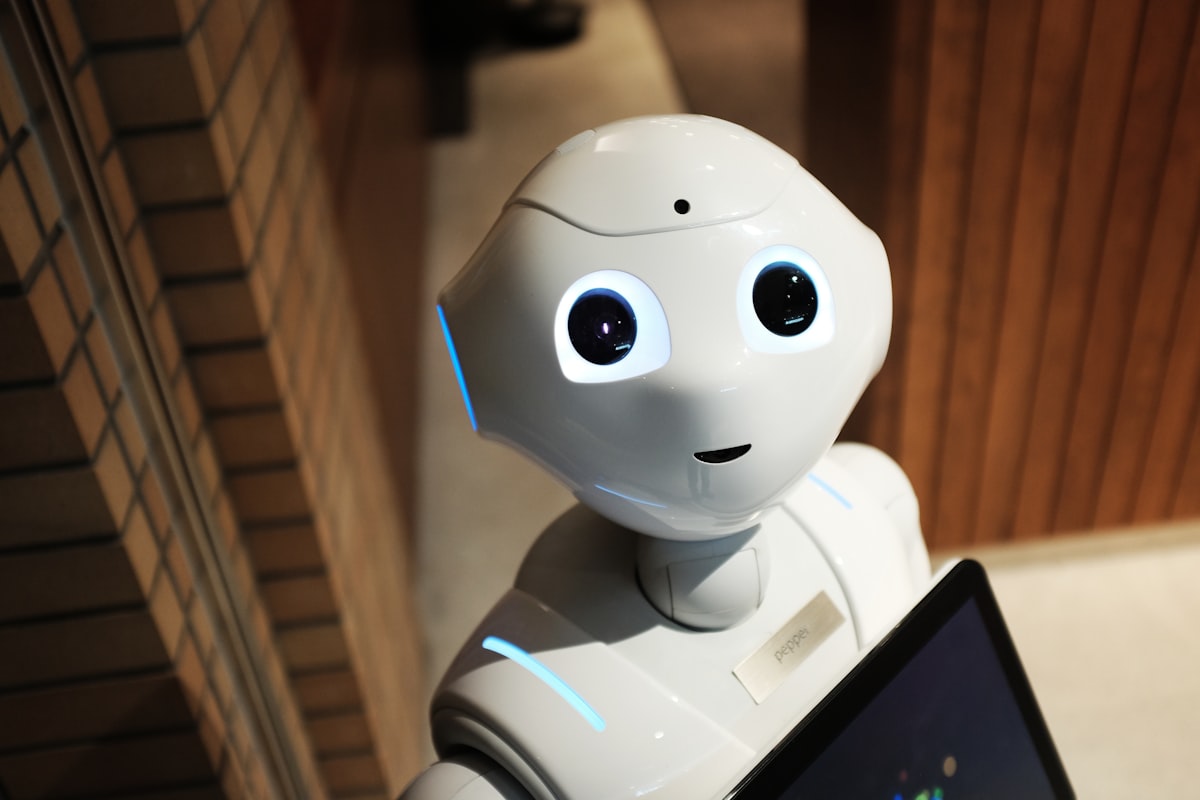 Top 10 Robotics Kits for Kids Ages 6–14 (2026)
 What Is an Ecosystem for Kids? Simple, Hands-On Guide
 STEM Learning Essentials: Authentic Classroom Experiments